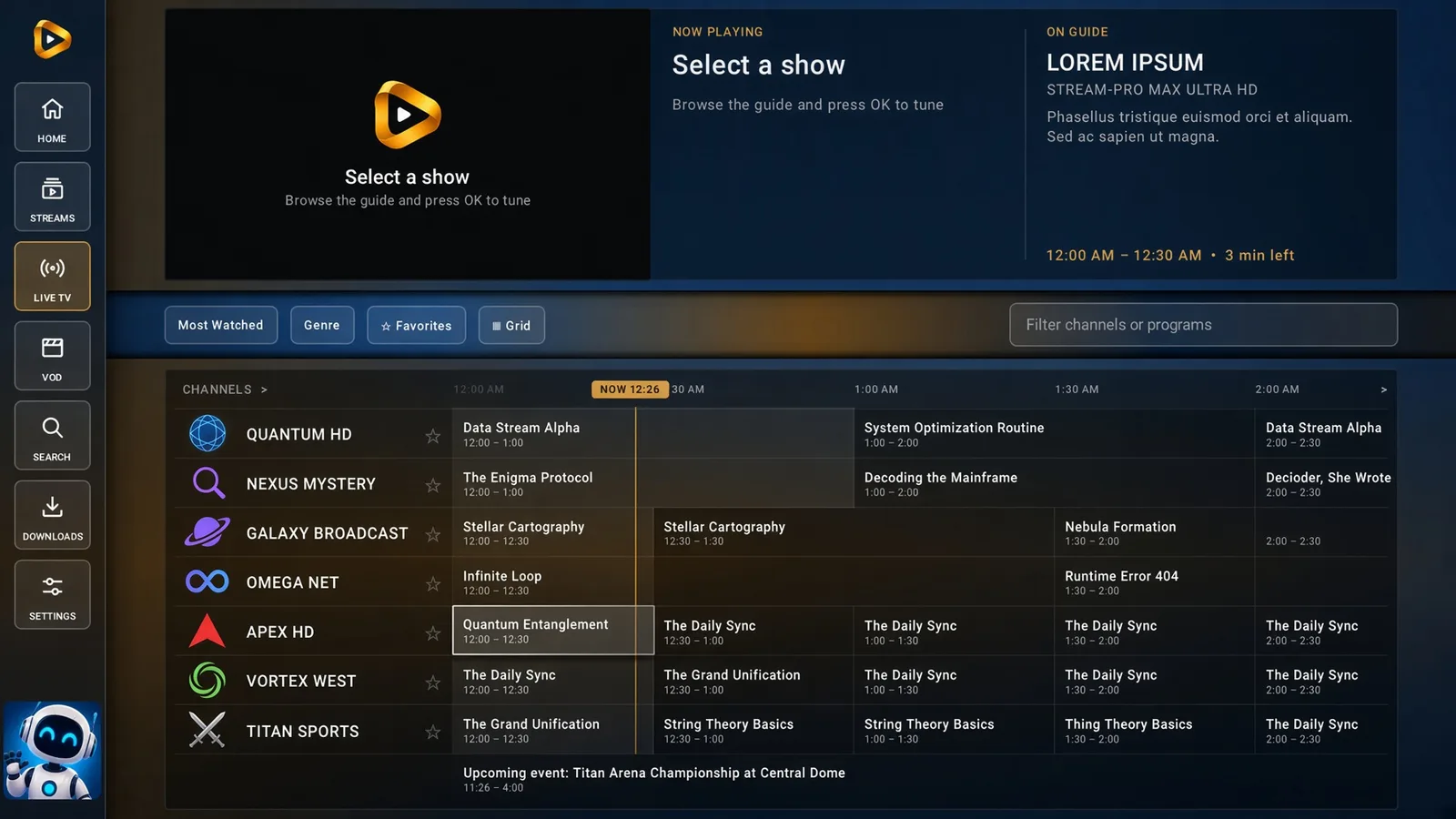
Live TV & guide
- See what's on now and up next.
- Find channels with favorites and filters.
- Connect your own Xtream or M3U playlist.
LiteAIO Phone & TV
Live TV, movies, shows, and an interactive release calendar — one APK for your phone and your TV. Pair your LiteAIO account once and pick it up on either screen.
Current version: Loading…
Requires LiteAIO Premium or a trial.
Also needs a free TMDB API key. How to get one
Check what you downloaded — SHA-256 —
More on how downloads and keys are protected: Security

Everything you need for your next movie night.
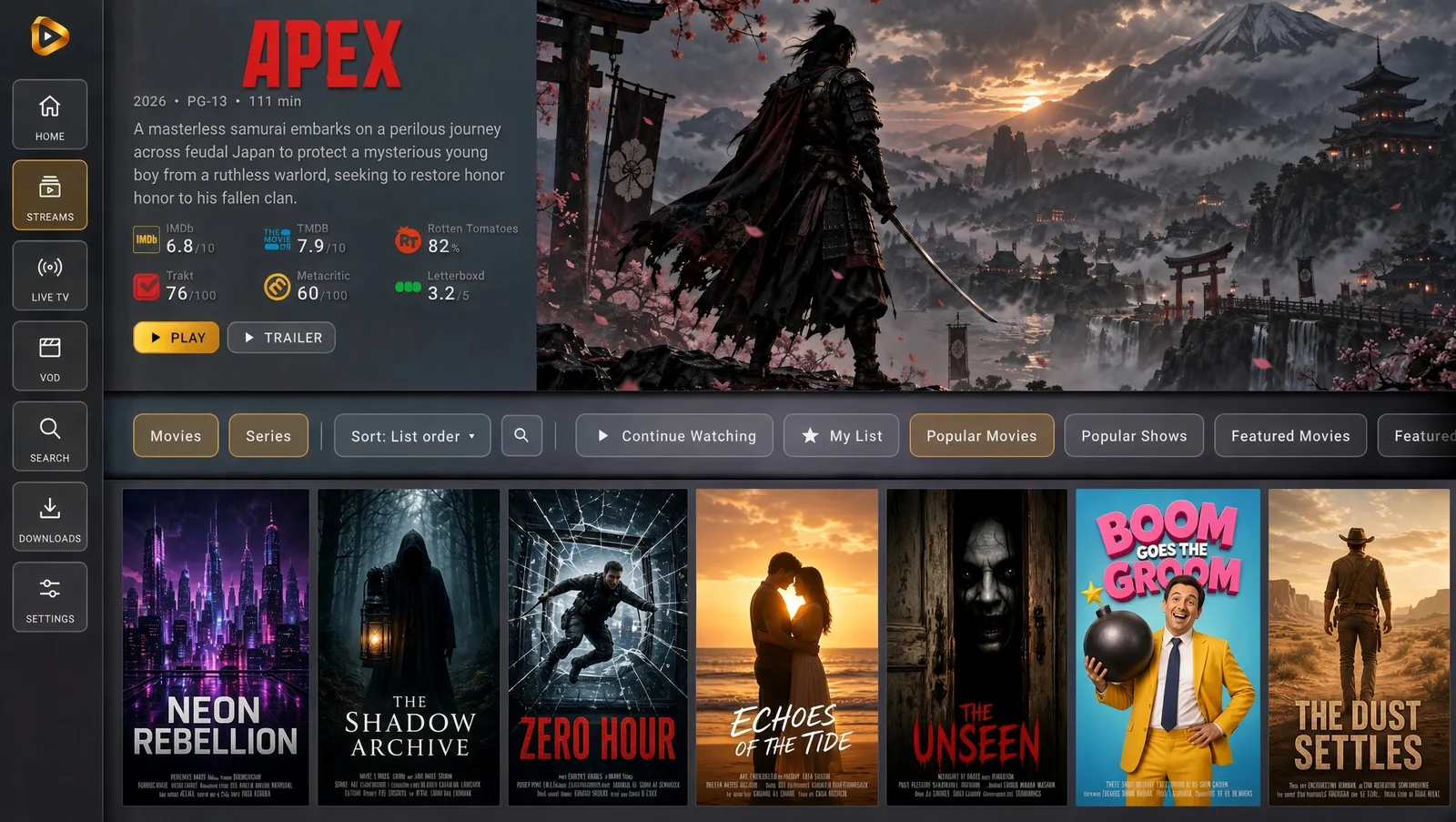
New · Library
Add your Jellyfin or Plex server in Settings, or play videos from a USB drive or the TV's own storage. It all lands in a new Library, turns up in Search, and plays straight over your home network, never through LiteAIO.
Jump back into a movie or show from Continue Watching.
Build catalog rows for movies, series, anime, and MDBList collections.
Use the playlists and debrid services you've already set up in LiteAIO.
Install directly with Downloader.
Install Downloader by AFTVnews from your TV's app store. Allow it to install unknown apps.
Open that address in Downloader and install. Force-stop LiteAIO in your TV's app settings, then reopen it.
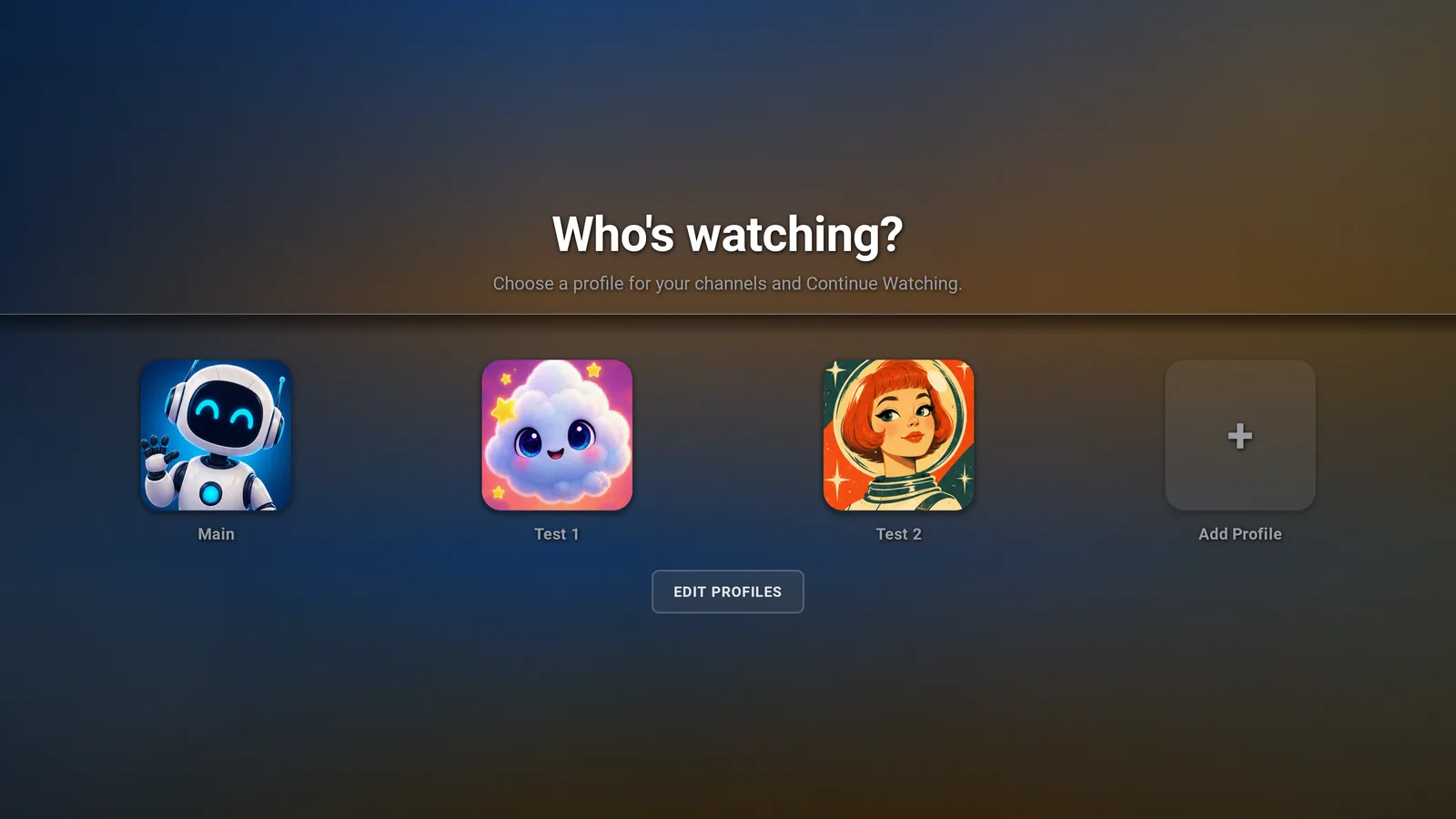
Scan the QR code on your TV, or enter its code at liteaio.com/link, then choose your profile.
The app needs a free TMDB API key. Paste it on the TV in Settings → Streams, or on the website under Configure → Posters. How to get one
LiteAIO TV uses The Movie Database (TMDB) for posters, descriptions and ratings, and it needs your own key to do that. The key is free and takes a couple of minutes to get.
Using profiles? Each profile keeps its own key, so add it to every profile you watch with on the TV.
If Developer options is hidden, open Settings → My Fire TV → About and select the device name seven times. In Developer options, allow Downloader under Install unknown apps or Apps from Unknown Sources.
Open Settings → Apps → Special app access → Install unknown apps and allow Downloader. Menu names may vary by device. Classic Chromecast devices cannot install the app.
The app is installed through the APK, rather than a Play Store or Amazon Appstore listing. After installation or an update, force-stop LiteAIO before reopening.
Update the app: After signing in, open Settings → Check for updates. When a build is ready, the dialog takes focus so you can choose Install from the remote. Or download the latest APK above. Force-stop LiteAIO and reopen after updating. See what's new in each version.
Search: On 0.4.6 and later, opening Search no longer crashes the app.
Pairing stuck? Enter the TV code at liteaio.com/link, or sign in on the TV with your username and password.
No channels or downloads? Check your playlist and debrid setup on the website. Downloads shows your account's debrid queue. Visit the documentation for more help.
LiteAIO is a player, not an IPTV provider. Channels, playlists, and streaming services are not included. Bring your own sources, or play your own Jellyfin, Plex, or USB media. Explore the docs ↗